Picking up the right cosmetic in Baddies changes the entire feel of a server, because accessories carry both visual identity and a few hidden mechanical perks. The right pair of heels can double your stomp damage, the Baddie Mask Anonymous hides your nameplate and health bar, and a free set of cute layered items can elevate a default Roblox look into a confident aesthetic avatar without spending a single Robux.
This guide breaks down every practical method for unlocking those items, compares free options against paid ones, and gives step-by-step recipes you can repeat in any server. The info below comes from the official Baddies game page plus community testing shared by players across YouTube and Discord, so the numbers and effects reflect what is actually live in 2026.
What Accessories Actually Do in Baddies
Cosmetic items in Baddies are not just decorative shells. Several accessories stack permanent effects onto your character, which is why competitive players treat them like loadout pieces rather than wardrobe filler. The customization panel opens from the avatar button in the top-right of the screen, and any change you make there applies across servers without re-equipping.
Core Stat Effects Tied to Accessories
| Accessory | Source | Permanent Effect | Visual Change |
|---|---|---|---|
| High Heels | Robux gamepass | Doubles stomp damage | Tall block-heel model on feet |
| Baddie Mask Anonymous | Robux gamepass | Hides username + health bar | Smooth white face plate, no eyes |
| Permanent Makeup | Robux gamepass | Blocks pepper spray status | Lashes, gloss, and contour |
| Permanent Dog Leash | Robux gamepass | Slot for a pet companion | Pet walks beside your avatar |
| Stanley Cup skins | In-game reward | Cosmetic variant on the Stanley Cup melee | Recolored cup with emblems |
According to the official game description, the High Heels and Baddie Mask Anonymous items in particular trade raw Robux for two effects that can swing an encounter. If you want a deeper walkthrough of every permanent item, the Robux gamepass breakdown covers pricing and which ones are worth the spend.
Where the Avatar Editor Actually Lives
New players often miss the avatar editor because it is tucked into the top-right of the HUD rather than placed front and center. Once you click the avatar button, a side panel slides out with four tabs: Body, Face, Accessories, and Effects. Saved outfits live under the fourth tab and sync to your Roblox avatar automatically, which is a fast trick for anyone trying to look coordinated in screenshots.
The Body tab handles height and tone, while Accessories is where every wearable cosmetic lives. Players building a cute layered look usually start with hair, drop in a shoulder bag, then add boots or heels last so the proportions line up.
Free vs Paid Accessories: What You Get Without Robux
The fastest route to a strong look in Baddies is stacking free rewards from codes, events, and in-game milestones. Robux items look flashier, but several free pieces are competitive with paid ones in pure visual impact.
Free Reward Channels That Drop Accessories
| Channel | How It Works | Common Drops |
|---|---|---|
| Codes | Redeem via the Twitter icon on the lobby screen | Slay currency, temporary cosmetics, free skin swaps |
| Daily streak | Log in seven days in a row | Small currency bundles, occasional face items |
| ATM money | Break ATMs around the map (see money methods) | Slay tokens that unlock avatar slots |
| Round rewards | Survive a full round in any game mode | Cosmetic crates, randomized face items |
| Lobby chests | Open chest props in the spawn area | Free recolored clothing pieces |
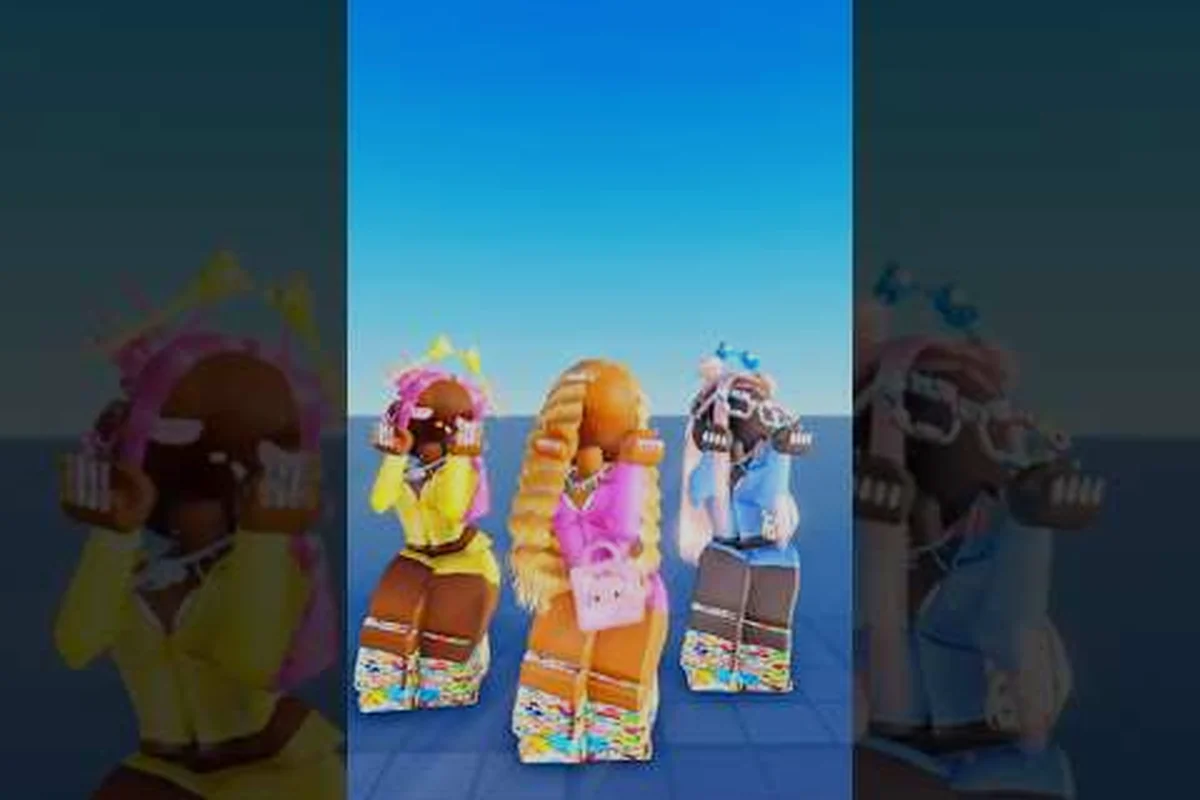
Cute catalog picks from the YouTube community (for example, the VERY CUTESEY BADDIE CATALOG OUTFITS 444 MY GIRLIES walkthrough) lean heavily on free items, then layer a single accent piece to anchor the look. That style works well if you want a baddies aesthetic avatar without grinding for weeks.
When the Paid Items Are Worth It
If you play Baddies as your main Roblox title, the High Heels and Baddie Mask Anonymous gamepasses pay for themselves through pure stat value. The mask is the single most effective anti-snipe item in the game because hiding your health bar denies the opposing team direct read on whether you are a clean kill. Combine it with a small silhouette swap (a shoulder bag or a different hair) and you become genuinely hard to target.
Players who care about visual identity more than stats often pick Permanent Makeup first, because the lashes and contour hold up in screenshots and are visible from any camera angle. Decide based on whether you want mechanical advantage or aesthetic flexibility, and you will not regret the spend.
Step-by-Step: How to Get High Heels in Baddies
The single most asked question in the customization community is how to actually pull the High Heels gamepass into the inventory and then equip them in a live server. The process is short, but a small misclick can leave the boots invisible until you reset your avatar.
Buying the High Heels Gamepass
-
Open the Baddies game page on Roblox and scroll past the About section to the gamepass list.
-
Locate the High Heels card, confirm the price (it sits in the mid-tier Robux range), and click Buy.
-
Roblox will prompt for parental approval if your account is under 13. Approve the purchase and wait for the success toast.
-
Rejoin any Baddies server and the heels should now be visible in your Accessories tab automatically.
If the boots still do not appear, a forced avatar refresh solves it. Walk up to a mirror prop in the lobby and tap the Refresh Avatar button, which is the same fix used for the reset glitch covered in the private server and settings guide.
Stacking Other Items Around the Heels
Once the heels are equipped, the next move is to dress the rest of the body so the silhouette reads as a confident avatar rather than a default mesh. Most players run a three-piece recipe: a fitted top, a mini skirt or shorts, and one of the free shoulder bags from the lobby chests. Drop in a hair recolor for contrast and you have a clean look that the official page describes as the high-fashion baseline for the game.
If you want to skip that fine-tuning, browse community YouTube recreations like the a community styling video video, where creators rebuild the full outfit in under two minutes and link their catalog picks in the description. Saving two or three of those creator outfits to your own avatar slots is a fast way to get a polished look without designing it from scratch.
Baddie Mask Anonymous: How to Unlock the Hidden-Face Cosmetic
The Baddie Mask Anonymous is the second must-have paid cosmetic, and it pulls double duty as a stealth item because the smooth white face plate removes your name and your health bar from enemy view. Without those two readouts, opponents have to guess whether you are low, full, or even a teammate.
Why the Mask Changes PvP
In direct combat, a hidden health bar shifts the math on every duel. A player at 20% HP looks identical to a player at 100% HP, so the enemy cannot commit to a finishing combo based on the read. That hesitation window is the entire reason high-rank players treat the mask as a competitive item rather than a vanity one.
| Combat Scenario | Without Mask | With Mask |
|---|---|---|
| Mid-fight peek | Enemy sees low HP, commits to chase | Enemy reads full health, backs off |
| Stealth pickup | Name tag is visible across the map | No tag, easy pickup steal |
| Screenshot for socials | Name plate clutters the shot | Clean frame, easier to crop |
Where to Buy the Mask
The mask sits in the same gamepass shop as the heels, and it follows the same Robux flow. If you want a broader decision framework between every paid cosmetic, the best Robux purchases page ranks each gamepass by cost-to-effect ratio so you can decide which one fits your playstyle.
Once the mask is in your inventory, equip it from the Accessories tab and then swap into the Face tab to confirm no other face item is layered on top. Two face items stacked at once is a common reason the mask appears to "not work" on the first try.
Baddies Avatar Ideas: Aesthetic Looks You Can Build Today
Aesthetic is not a single template; it is a mood, and Baddies lets you build it from a fairly small set of slots. The trick is to pick one anchor piece, then dress the rest of the slots in a single color family so the whole avatar reads as a coordinated look rather than a parts bin.
Five Aesthetic Archetypes That Always Work
-
Soft Cute — light pink hair, white shoulder bag, fitted crop top, mini skirt. Layers the Permanent Makeup lashes for a soft close-up shot.
-
Moody Streetwear — black turtleneck, dark jeans, chain shoulder bag, low ponytail. Pairs with the Baddie Mask Anonymous for a clean silhouette.
-
Y2K Pop — metallic top, low-rise jeans, tinted visor hair, chunky shoes. The High Heels gamepass drives the whole look.
-
Preppy Clean — cable knit sweater, pleated skirt, loafer-style boots, ribbon hair. Best for players who want a polished but understated look.
-
Emo Edge — dark layered hair, band tee, ripped jeans, chain details. The emo avatar route is deep enough that it has its own Baddies emo avatar guide with full item codes.
For each archetype, a single Robux item does most of the visual heavy lifting, and the rest of the slots pull from free chest rewards. If you only own one gamepass, the High Heels is the strongest anchor because every look above reads as more confident once the heel silhouette is in place.
Baddies How to Make a Cute Avatar With Zero Spend
If you do not want to spend Robux at all, the free-only path is shorter than most players expect. Start by claiming every active code, then grind seven daily streaks in a row. After two weeks of play, you will have a healthy bank of Slay tokens and enough free accessories to fill the avatar slots.
Pick a soft color family, lock the hair and skin tone, then layer two or three free chest pieces on top. The result is a genuinely cute avatar that holds up in screenshots and in the live server. A strong reference is the Turning my Roblox avatar into a baddie tutorial, which proves the look can be rebuilt without any paid items if you stack enough free pieces in the right order.
Building Your First Aesthetic Avatar: A Walkthrough
The fastest path from a default Roblox avatar to a confident Baddies look takes about ten minutes once you know the order of operations. Follow the steps below in sequence, and you will end up with a screen-ready avatar in any server you join.
Step 1: Open the Avatar Editor
Click the avatar button in the top-right of the screen, then open the Accessories tab. The order you apply items matters: hair first, then torso, then legs, then feet. Starting from the top of the body and moving down keeps the silhouette clean and avoids clipping issues at the waist.
Step 2: Lock the Color Family
Pick one of the soft palettes (cream, blush, lilac, or sage) and apply it across the shirt, the bag, and the hair trim. The free chest pieces come in coordinated sets, so pulling two pieces from the same chest usually keeps the palette consistent without manual recoloring.
Step 3: Drop in an Anchor Piece
If you own the High Heels or the Baddie Mask Anonymous, equip it now so the rest of the build frames it. The anchor piece is the visual hook that carries the look in a screenshot, and dressing around it is much easier than trying to retrofit an item onto a finished outfit.
Step 4: Save the Outfit
Open the Saved Outfits tab and click Save Current. The slot is now a one-tap preset that re-applies in any server, and you can store up to ten presets. Rotate two or three presets across the week and the look stays fresh without rebuilding from scratch every time.
Baddies How to Get Accessories FAQ
Where is the accessory shop in Baddies?
The shop lives in the gamepass section of the Baddies Roblox page, which you reach by clicking the store icon from the lobby or by visiting the game page directly. The High Heels and Baddie Mask Anonymous are the two most popular entries, and both apply across every server once equipped. Free items drop from the lobby chests, code redemptions, and round-end reward crates, so the shop is not the only path.
Can I get the anonymous mask without spending Robux?
Not directly, because the mask is a paid gamepass. However, you can fake a similar hidden-name effect by equipping the Baddie Mask Anonymous plus a hood or hair that covers the nameplate in third-person view. Players on a tight budget often combine the free hood pieces with a layered hair to read as a stealth look without buying the gamepass.
What is the fastest way to make a cute avatar in Baddies?
Start with the free chest pieces, claim every active code, then save the result as a preset. The combination usually produces a polished look inside a single play session, and you can layer in a paid anchor piece later if you want to push the aesthetic further. The community video walkthroughs on YouTube also double as fast reference saves for catalog item codes.
Do accessories affect gameplay in Baddies?
Yes, several accessories carry permanent combat effects. High Heels double stomp damage, Permanent Makeup blocks the pepper spray status, and Baddie Mask Anonymous conceals your name and health bar from rivals. These effects are why competitive players treat accessories like loadout pieces rather than decorative skins, and why a single gamepass can shift the outcome of a close fight.
How do I save and switch between aesthetic avatar presets?
Open the Saved Outfits tab inside the avatar editor, save up to ten presets, and tap any of them to swap looks instantly. Presets sync to your Roblox avatar and survive server hops, which is the cleanest way to rotate between a soft cute look during social rounds and a stealth mask build during competitive rounds.